
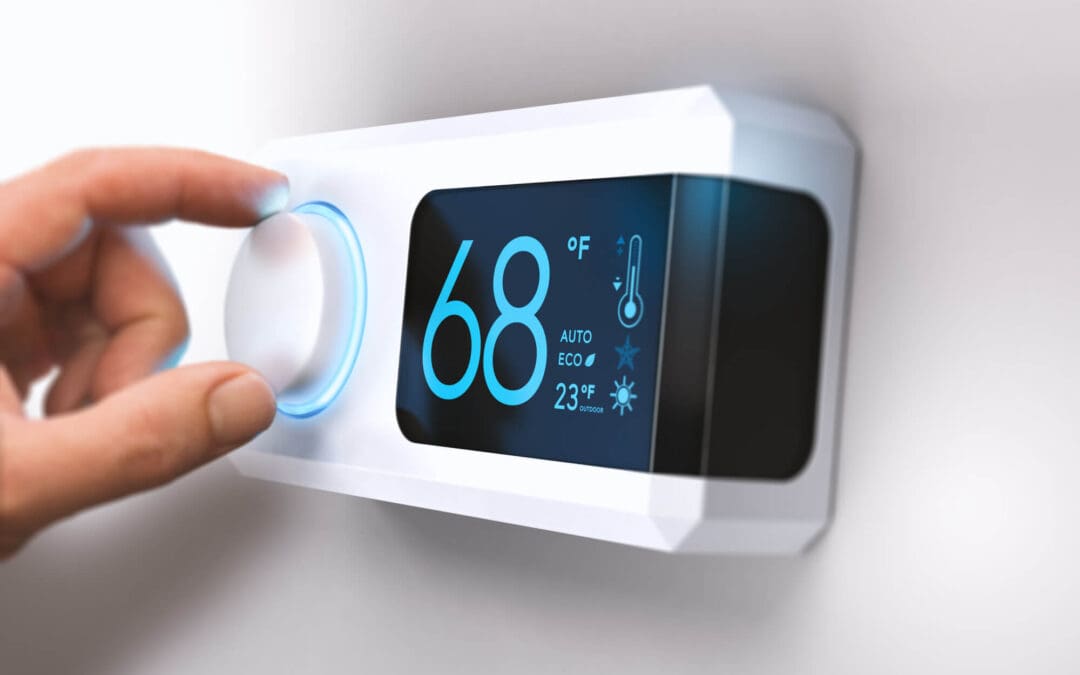
With Indiana winters, heating makes up a big share of the household energy bill, and the thermostat on your wall controls how much of it you spend. A smart thermostat can learn your schedule, adjust temperatures automatically, and let you control the house from your phone. Used well, it can trim energy use without costing comfort. But not every model fits every home, and the settings matter as much as the device. Here’s how to choose a smart thermostat, install it, and get the most from it.
How a Smart Thermostat Saves Energy
The savings come from keeping the house at the right temperature only when it’s needed. A smart thermostat lets you build schedules for waking, leaving, returning, and sleeping, and many models learn your habits over time. Some use your phone’s location to lower the temperature when no one is home, and some use remote sensors to measure rooms that run hot or cold. Setting the temperature back several degrees for eight hours a day can reduce heating costs by about ten percent annually. Actual savings depend on your home, your habits, and your system. Many utilities offer seasonal energy reports that compare your usage with similar homes. Most work with furnaces, heat pumps, and central air conditioning, and they can send alerts if something goes wrong. Some models also show how long your system ran, which helps you spot a furnace that is working harder than it should.
Check Compatibility Before You Buy
A smart thermostat only works well if it matches your system. Most homes use low-voltage 24-volt wiring, but electric baseboard heat and some other systems use line voltage and need a different thermostat. Many smart models need a common wire, called a C-wire, to power the display and Wi-Fi, and an adapter kit can often solve that. Multi-stage furnaces, heat pumps with auxiliary heat, and zoned systems have extra requirements. Some systems need fan settings configured to match the equipment, so follow the setup guide. Check the manufacturer’s online compatibility tool before buying, confirm that your Wi-Fi reaches the thermostat’s location, and take photos of the existing wiring before you disconnect anything. If you have a zoned system or multiple thermostats, plan for each zone, and ask an HVAC professional if you’re unsure.
Install and Set Up a Smart Thermostat the Right Way
Turn off power to the heating and cooling system at the breaker before starting. Remove the old thermostat, label each wire, and mount the new base, keeping it away from drafts, direct sun, and heat sources. Connect the wires as labeled and attach the display. Restore power, then follow the app to connect to Wi-Fi and tell the thermostat what kind of system you have. For a heat pump, set the auxiliary heat options carefully. Create a schedule, and test heating and cooling to confirm everything works. If the wiring is confusing or you aren’t comfortable, hire an HVAC technician or electrician. After installation, watch the system for a day or two to confirm the schedule behaves as you expect.
Use Smart Settings to Maximize Comfort and Savings
Moderate setbacks work best. A drop of a few degrees overnight or while you’re away saves energy without making recovery difficult. With a heat pump, avoid big setbacks, because they can trigger expensive auxiliary heat. Use geofencing or schedules, and set a comfortable temperature, often around 68 degrees, when you’re home. Remote sensors can balance uneven rooms, so try one before changing the setpoint. Review the energy reports to spot patterns, and keep the software updated. Look at the privacy settings and use a strong password. Many utilities offer rebates on qualifying smart thermostats, so check before you buy. A little time spent adjusting settings in the first few weeks pays off all winter. Update the schedule when seasons change or your routine shifts, such as when you start working from home. Review the schedule a few weeks later, once you know whether any rooms feel too cool in the morning.
Frequently Asked Questions (FAQs)
Do I need a C-wire?
Often yes. An adapter kit can supply power if your system doesn’t have one, and the manufacturer’s compatibility tool can tell you what you need.
How much can I save?
Savings vary, but moderate setbacks commonly reduce heating costs by around ten percent. Your results depend on your home and habits.
Does it work with a heat pump?
Yes, if it’s compatible. Set the auxiliary heat options carefully so you don’t trigger expensive backup heat unnecessarily.
What if my Wi-Fi goes down?
The thermostat should still control the system locally and follow its schedule, though remote features won’t work until the connection returns.
Is it secure?
Use a strong password and review privacy settings, as you would with any connected device. Keep the software updated.
M&T Inspection Services offers home inspections to customers in Indianapolis. Contact us to request our services.